
Requirements Flowdown for EV Battery Pack Engineers
Contents
- Start with one pack-level requirement, not a requirements document
- Flowing the requirement down: pack, module, cooling plate, enclosure and fasteners
- Where the allocation breaks: the CAD change nobody traced back
- Running the design review against the requirement, on the geometry
- Closing the loop: test evidence, live attributes and the ECO
- A flowdown checklist for pack mechanical and thermal teams
- Trace one propagation requirement through your next CAD change
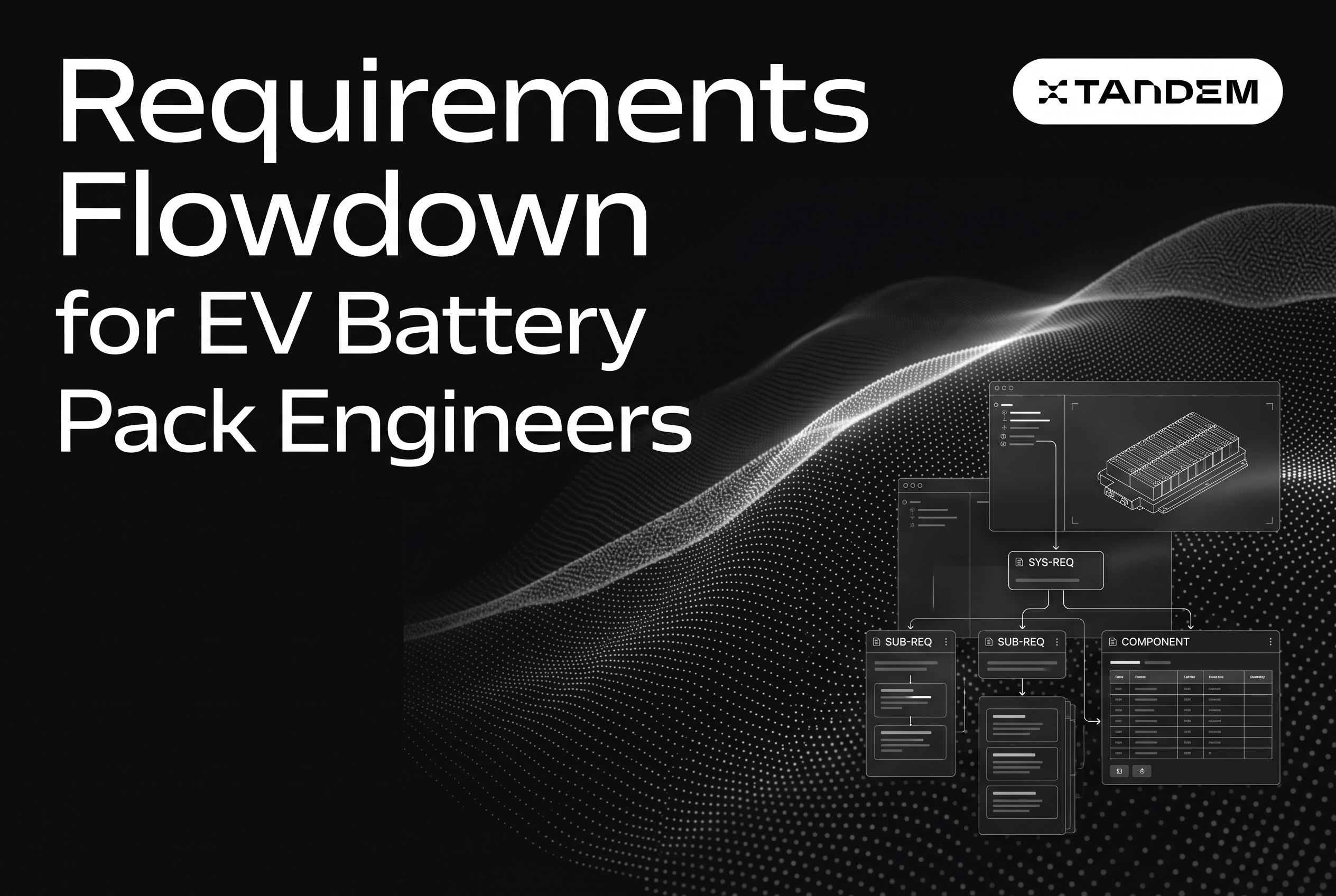
Requirements flowdown for an EV battery pack means taking each pack-level outcome, such as a cell temperature limit or a thermal-propagation result, and allocating it to module, cooling plate, enclosure and fastener requirements that stay linked to the geometry that satisfies them. Writing the flowdown once is easy. Keeping it true is hard, because the cooling plate and the enclosure change every few weeks and the allocation doesn't change with them.
This article follows one requirement down the pack and then through a CAD change, a design review and test evidence, so you can see exactly where the chain tends to break. Tandem, the context layer for hardware engineering, connects requirements, system architecture, CAD changes, design reviews and validation evidence in one system, and it shows up below where it fits the workflow. If you want the general method first, start with the requirements flowdown guide.
Start with one pack-level requirement, not a requirements document
Pick one requirement and trace it end to end before you try to flow down the whole document. A document hides weak links. A single thread exposes them.
Here is the one we will follow: In a single-cell thermal runaway event, no neighboring cell exceeds its propagation threshold, no fire or explosion occurs, and a thermal-event warning is issued to the occupant within the regulatory window. It combines a cell temperature limit with a propagation outcome, and that combination is what makes pack thermal requirements hard.
Be careful about which regulation you mean. Published summaries of China's GB 38031-2025 describe a no-fire, no-explosion outcome and an alarm no later than 5 minutes after thermal runaway is triggered, while UN R100's proposed thermal-propagation language centers on occupant warning and evacuation time (GB 38031-2025 summary, 2025; UN R100 proposal, 2025). Those are different pass criteria. Write the market and test boundary into the parent requirement, or every child requirement inherits the ambiguity.
In Tandem, this parent requirement lives in a hierarchy with child items, custom columns and approvals, and every edit is redlined in the change history. That history pays off later, when someone asks why the allocation to the cooling plate changed.
Flowing the requirement down: pack, module, cooling plate, enclosure and fasteners
Allocate the pack outcome to each physical element that can help or hurt it, and give every child a number you can verify against geometry or test. A child that says only "shall support thermal performance" is not an allocation.
A workable chain looks like this:
Pack: the propagation outcome, the alarm timing, and the test boundary.
Module: allowable neighbor-cell temperature and time history, and cell-to-cell barrier performance. The regulatory excerpts don't hand you a universal neighbor-cell limit, so this is an engineering requirement you set and validate with representative module tests.
Cell: the manufacturer's maximum operating temperature as an input, with sensor location, measurement uncertainty and response margin included.
Cooling plate: coolant inlet range, flow and pressure, cell-to-plate thermal resistance, and plate uniformity. A shared metal plate can conduct heat between cells, and cooling may delay propagation but shouldn't be assumed to prevent it, so the plate also needs a fault-isolation requirement.
Enclosure: venting path and area, cabin-side smoke containment, and the structural limits that keep the vent path open.
Fasteners: clamp load on the cooling plate interface, which sets contact pressure and therefore thermal resistance, plus joint requirements that hold the enclosure closed through the event.
The fastener row is a thermal requirement in disguise. Clamp load drives interface resistance. If you give fasteners only a structural torque spec, nobody downstream knows they carry thermal risk.
Model these as system architecture nodes: pack, module, plate, enclosure, fastener group. Give each node custom attributes such as mass, plate thermal resistance and clamp load, and define the interfaces between them. Then the requirement links to nodes, and the nodes link to CAD. Tandem is built around that structure, with requirements verified continuously against live attributes from CAD, Excel or Google Sheets, and telemetry such as Nominal.
Where the allocation breaks: the CAD change nobody traced back
Allocations break when a geometry change that looks local alters a value an upstream requirement depends on, and nothing records the dependency. This is the failure the whole article is about.
Take a plausible change. The enclosure team needs 4 mm of crash-intrusion clearance on one side, so they thin the cooling plate flange and move two fastener bosses inward. Structurally, it checks out. The enclosure review passes.
What quietly changed:
Plate contact area and flatness shift, so cell-to-plate thermal resistance moves. The module-level neighbor temperature allocation assumed the old value.
Clamp load distribution changes because the bosses moved. Interface pressure is no longer uniform across the plate.
The plate's lateral conduction path between cells changes, and that path decides whether the plate spreads or contains a runaway event.
The vent path may shift if the flange change moved the plate relative to the vent opening.
None of those appear in the ECO, because the ECO describes a flange dimension and two boss locations. The pack requirement is still marked verified, because the test that verified it ran on the previous geometry.
This is where a before/after 3D CAD diff earns its place. Tandem generates the diff from the captured change, writes a plain-language summary, and lists the affected requirements and annotations, so the thermal engineer sees that this flange edit touches the propagation allocation before the part is released. Watch records the CAD session and groups feature-tree actions into described design goals, so the reason for the move (crash clearance) is attached to the feature edits instead of living in someone's memory. For a deeper walk through the same pattern on thermal items, see thermal requirements traceability when mechanical design changes.
Running the design review against the requirement, on the geometry
Review the change against the requirement it threatens, with comments placed on the geometry, not in a slide deck. A review that never opens the requirement can only judge the part on its own terms.
In a Tandem design review, the 3D model opens in the browser with no CAD license needed, so the thermal engineer, the structural lead and the cell supplier contact can all look at the same flange. Annotations sit on the faces and bosses in question. A thermal engineer can pin a comment to the boss that moved: "clamp load path changes here, recheck plate interface pressure against the propagation allocation." Replies, mentions and Slack or Teams notifications keep the thread moving.
Because annotations link to requirements, the comment is tied to the allocation it concerns. Annotations also surface inside the CAD tool, whether that is SolidWorks, Onshape, CATIA, NX or Fusion, so the designer sees the thermal concern while editing the feature, not three days later in a meeting summary.
A useful review habit for pack teams: before approving any change to the plate, enclosure or fastener pattern, ask which pack-level requirements the diff touches and who owns each. If the tool can't answer, the review is judging geometry blind. The same discipline applies to the failure-mode side, which is why we keep the design FMEA tied to requirements. A changed plate flange should light up the thermal-runaway row, not just the structural one.
Closing the loop: test evidence, live attributes and the ECO
A requirement is only closed when test evidence exists for the geometry that actually ships. Evidence for the previous revision is history, not verification.
Two mechanisms keep the loop honest. First, live attributes. Plate thermal resistance, clamp load and cell temperature margins can be pulled from CAD, Excel or Google Sheets, and telemetry such as Nominal, and the requirement is checked against them continuously. When the flange edit changes a value, the requirement's status changes with it, instead of waiting for someone to notice. Tandem works alongside test and telemetry tools such as Nominal, Sift and Revel, whose data can feed the attributes that verify requirements.
Second, test case management linked to requirements. The propagation test, the module-level runaway test and the plate thermal-resistance characterization each link to the requirement they verify. When the geometry changes, the linked tests show which ones need a rerun.
Then the ECO. Tandem generates ECOs, ECNs and engineering documentation from the captured CAD changes, in your own templates. The ECO for the flange change can carry the diff, the affected requirements, the review annotations and the tests to rerun, so the document records the reasoning and not only the dimension. If your program runs a PLM, Tandem runs alongside it, and custom integrations with systems like Teamcenter and 3DEXPERIENCE are built as part of deployments. The same chain, applied to structural items, is covered in structural requirements traceability when CAD changes.
A flowdown checklist for pack mechanical and thermal teams
Use this before your next plate, enclosure or fastener change is released.
Name the regulation and test boundary in the parent requirement. GB 38031-2025 and UN R100 don't share a pass criterion.
Allocate numbers, not intentions. Every child requirement has a value, a unit and a verification method.
Treat fasteners as thermal items wherever clamp load sets interface resistance.
Model the cooling plate as a heat path in both directions. Specify its behavior in a fault, not only in normal cooling.
Put thermal attributes on architecture nodes (resistance, clamp load, vent area) so geometry changes have something to move.
Run a diff on every change to the plate, enclosure or fastener pattern, and list the affected pack-level requirements in the ECO.
Review on geometry, with annotations linked to the requirement under threat.
Retire stale evidence. If the geometry changed after the test, the requirement is unverified until the test is rerun or the delta is justified.
Keep the FMEA row linked to the same requirement so failure modes and allocations change together.
The pattern holds beyond thermal items. How aerospace systems engineers keep flowdown true shows the same discipline on a different product.
Trace one propagation requirement through your next CAD change
Flowdown doesn't fail when you write it. It fails the first time a cooling plate flange or a fastener boss moves and nothing connects that edit to the pack-level requirement it affects. Pick your propagation or cell temperature requirement, link it to plate, enclosure and fastener nodes, and run the next geometry change through the diff, the review and the test links. Book a demo with Tandem and bring one real requirement and one recent CAD change. We will trace it end to end.
Visit Tandem
Tandem is the AI platform for hardware engineering. It connects requirements, system architecture, CAD design changes, design reviews, PDM and validation evidence in one system, so design intent survives every review, change and handoff. It works inside SolidWorks, Onshape, CATIA, NX and Fusion and alongside PLM, Jira, Slack and Teams, for hardware teams building complex products from prototype through production.
Get startedSources
Frequently asked questions
What is requirements flowdown for an EV battery pack?
It is the process of allocating a pack-level requirement, such as a thermal-propagation outcome or cell temperature limit, to module, cooling plate, enclosure and fastener requirements, each with a value and a verification method. Tandem keeps those child requirements linked to architecture nodes, CAD changes, reviews and test evidence so the allocation stays traceable.
Is the UN R100 thermal propagation requirement the same as GB 38031-2025?
No. UN R100 specifies an occupant warning allowing time to exit, requiring under one compliance route that a hazardous situation does not occur within five minutes after the warning and offering alternatives such as no thermal propagation for two hours, while GB 38031-2025 requires no fire or explosion and an alarm within five minutes of triggering thermal runaway. Confirm the market and amendment, then write the specific criterion into the parent requirement before flowing it down.
How do you keep flowdown true when the cooling plate geometry changes?
Link requirements to architecture nodes that carry attributes like thermal resistance and clamp load, then run a before/after 3D CAD diff on every change. Tandem's diff lists the affected requirements and annotations, so a flange or fastener edit flags the propagation allocation before release instead of after a failed test.
Can Tandem work alongside our PLM and telemetry tools?
Yes. Tandem runs alongside an existing PLM, with custom integrations such as Teamcenter and 3DEXPERIENCE built during deployment. It works inside SolidWorks, Onshape, CATIA, NX and Fusion, takes live attributes from Excel, Google Sheets and Nominal telemetry, and complements Sift and Revel.
Related reading
Written by
Tandem
Tandem is the AI platform for hardware engineering. It connects requirements, system architecture, CAD design changes, design reviews, PDM and validation evidence in one system, so design intent survives every review, change and handoff. It works inside SolidWorks, Onshape, CATIA, NX and Fusion and alongside PLM, Jira, Slack and Teams, for hardware teams building complex products from prototype through production.