
As-Built vs As-Designed: Configuration Management for Hardware
Contents
- What As-Designed and As-Built Actually Mean (and Where Teams Get Confused)
- How the Gap Forms: ECNs, Part Substitutions, and Undocumented Decisions
- Why the Gap Is Expensive: Rework, Certification Risk, and Maintenance Failures
- The Role of the BOM: EBOM vs MBOM and Where Configuration Lives
- What a Practical As-Built Configuration Management Process Looks Like
- How CAD-Integrated Tools Change the Equation
- Closing the Gap Before It Becomes a Problem
- Conclusion
A mechanical lead at a space tech startup finds a red-lined drawing in a technician's drawer. It is for a valve assembly on the flight model of a satellite. The CAD system shows a specific fastener torque and a specific shim thickness. The technician's Sharpie notes show that they had to grind down the shim by two millimeters to make the assembly fit. This is the moment configuration management fails.
The gap between what was designed and what shipped starts forming the moment the first change goes unlinked to the source of truth. It does not wait for final inspection. For hardware teams scaling from Series A to Series C, this drift is not just a documentation error. It is a systemic risk that leads to failed flight tests, rejected medical device submissions, and millions of dollars in scrapped inventory.
Hardware is not software. You cannot roll back a physical build if the as-built state deviates from the as-designed intent. You have to manage the delta between the digital model and the physical reality with technical precision. That requires treating configuration not as a post-build chore but as a continuous thread of engineering context.
What As-Designed and As-Built Actually Mean (and Where Teams Get Confused)
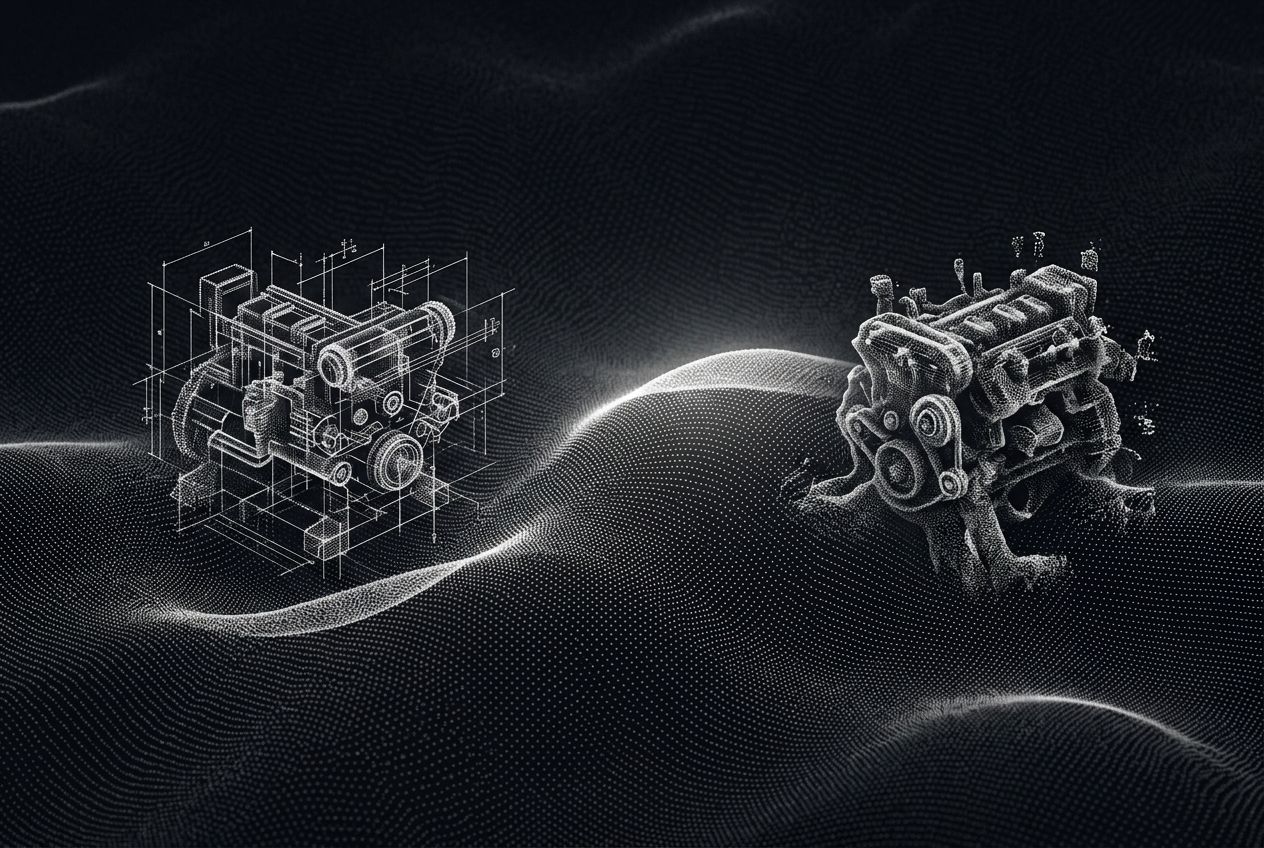
The as-designed configuration is the engineering intent. It is the idealized version of the product living in SolidWorks or Onshape. It includes the bill of materials (BOM), the 3D geometry, the technical specifications, and the requirements traceability for aerospace systems engineering. This configuration assumes that every part meets the nominal dimensions and every supplier delivers exactly what was ordered.
The as-built configuration is the objective reality of a specific serial number. It documents what actually happened on the shop floor: the specific batch numbers of the epoxy used, the actual measured tolerances of a machined housing, any deviations allowed during assembly. PTC notes that the as-built record is the foundation of the digital twin. Without it, the twin is just a ghost of what the engineers thought they were building.
Teams get confused because they treat the Product Data Management (PDM) system as the only truth. PDM is excellent at managing file versions, but it rarely captures the reality of the factory floor. A PDM system knows that Revision C of a bracket is released. It does not know that the technician used Revision B for Serial Number 005 because Revision C was stuck in customs and the Chief Engineer gave a verbal OK to use the old part. That verbal OK is where the as-designed and as-built paths diverge. If that decision is not captured in a shared context layer, the engineering team will spend weeks debugging a failure on Serial Number 005 using the wrong CAD model. Effective configuration management requires a system that tracks these decisions in real time.
How the Gap Forms: ECNs, Part Substitutions, and Undocumented Decisions
Configuration drift is a slow erosion. It rarely happens because of a massive, unrecorded design overhaul. It happens in the margins. The most common cause is the engineering change order process hardware that lacks a tight loop with manufacturing.
Consider a standard part substitution. A Series B robotics company might have a supply chain hiccup that makes a specific sensor unavailable for three weeks. To keep the line moving, the manufacturing lead finds a functional equivalent with the same footprint but slightly different power consumption. They issue an Engineering Change Notice (ECN) to allow the swap. If that ECN is a PDF sitting in an email thread or a Slack channel, the gap has formed. The as-designed EBOM still lists the original sensor. The as-built MBOM for that batch lists the new sensor.
Undocumented decisions at the assembly station are another primary driver of drift. Digital Engineering highlights that closing this gap requires capturing the "why" behind every shop floor deviation. When an engineer tells a technician to "just sand it down a bit to make it fit," they are making a configuration change. If that change is not fed back into the design intent, the next batch of parts will have the same interference issue. Tandem prevents this by capturing requirements and design intent in one system. It allows teams to link CAD changes to the specific rationale provided during a review. A quick fix on the floor becomes a permanent improvement in the next CAD iteration rather than a recurring headache.
Why the Gap Is Expensive: Rework, Certification Risk, and Maintenance Failures
The financial cost of configuration drift is often hidden in the overhead of "engineering support for production." When as-built data is missing, engineers spend 30% of their time acting as detectives, hunting down which version of a PCBA is inside a returned unit or why a specific sub-assembly is failing in the field. That is time not spent on the next product generation.
In regulated industries, the cost is higher. Compliance traceability for regulated hardware engineering is a legal requirement for medical device and aerospace companies. If the FDA or FAA audits a company and finds that the Device History Record (DHR) does not match the approved design, the result is a stop-work order or a product recall. A deviation of a single millimeter in a surgical robot arm can be the difference between a successful procedure and a multi-million dollar liability.
Maintenance and sustainment suffer too. If you are building heavy machinery or satellites, you might need to service a unit built five years ago. If the as-built record is inaccurate, the spare parts you ship to the field might not fit. You end up paying for a technician to fly to a remote site only to find they have the wrong hardware. Extended downtime follows. The gap is not just a data problem. It is a profit margin problem. Companies that manage this delta effectively can significantly reduce their scrap and rework rates.
The Role of the BOM: EBOM vs MBOM and Where Configuration Lives
To manage the as-built vs as-designed split, you need to understand the relationship between the Engineering Bill of Materials (EBOM) and the Manufacturing Bill of Materials (MBOM). The EBOM is organized by the product's functional structure, the way the design team thinks: sensors, structural frame, power distribution. The MBOM is organized by how the product is built: sub-assemblies, kits, and workstations.
Configuration management lives in the mapping between these two BOMs. Arena Solutions explains that as-designed data flows from the EBOM to the MBOM, but as-built data must flow the other way. If a manufacturing engineer changes the assembly sequence to avoid a bottleneck, they might need to change the hardware used in that step. This change must be reflected in the configuration record.
A practical configuration process treats the MBOM as a living document. It should capture every serial-numbered component, every lot-tracked material, and every test result associated with a specific build. This creates a complete pedigree for the product. When a team uses automated design change analysis hardware engineering, they can see exactly how a change in the EBOM will ripple through the MBOM and the existing inventory. That visibility prevents the "ghost inventory" problem, where parts are ordered for a design that no longer exists in production.
What a Practical As-Built Configuration Management Process Looks Like
A functional configuration management process does not require a 50-person quality team. It requires discipline and the right tools.
First, define a clear handover point. When a design moves from prototype to production, the as-designed baseline must be locked. Any changes after that point must go through a formal review.
Second, make deviation capture mandatory. If a technician cannot build the unit according to the instructions, they must flag it. That flag should not go into a paper logbook. It must be captured in a digital system that links back to the original CAD model and requirements. A tool that allows quick photo uploads and voice-to-text notes from the shop floor lowers the friction for the people doing the work.
Third, run regular reconciliation. Every month, the lead engineer and the manufacturing lead should review the deviations together. They decide which ones get incorporated into the next as-designed release and which were one-off anomalies. This turns the shop floor into a source of design improvement. Tandem supports this loop through AI-generated engineering outputs. The system can draft ECOs and design review documentation based on the team's own process and data. Instead of manually typing up a change notice, the AI drafts it based on the team's own data and the linked CAD changes. The administrative burden of configuration management drops, and the team can focus on the engineering.
How CAD-Integrated Tools Change the Equation
The biggest challenge in configuration management is that the "why" is usually separated from the "what." The "what" is the 3D model in SolidWorks or Autodesk. The "why" is the design rationale buried in a 45-minute meeting recording or a 200-message Slack thread. Traditional PDM and PLM systems are good at storing the "what." They are terrible at preserving the "why."
This is where an AI-native platform like Tandem changes the workflow. Tandem is the context layer for hardware engineering. It maintains a shared system that links CAD changes directly to requirements and validation evidence. When an engineer makes a change in SolidWorks, Tandem captures that change and asks for the context. Was this for a cost reduction? Was it a response to a vibration test failure?
By connecting design intent to the actual CAD geometry, Tandem creates a continuous thread of traceability. When you look at an as-built record six months from now, you don't just see that a different bolt was used. You see the link to the requirement that necessitated the change and the test data that proved it was safe. The system tracks the complete hardware development loop from early definition through design, review, validation, and release. The as-built configuration becomes a data-rich history rather than a flat list of parts. Teams move faster because they are not constantly second-guessing the state of their hardware.
Closing the Gap Before It Becomes a Problem
The goal of configuration management is not perfect alignment between the as-designed and as-built states. That is impossible in the real world. The goal is 100 percent visibility into the delta. You need to know exactly how Serial Number 101 differs from the master CAD model, and you need to know why that difference exists.
Start by centralizing your requirements and definition capture. When you define the constraints and success criteria at the start, every subsequent change has a benchmark to be measured against. Use AI to assist with release documentation. Manually creating assembly instructions and traceability reports is a reliable way to introduce errors. AI-native tools can generate these outputs grounded in your actual engineering data, so the documentation matches the design.
Treat configuration as a culture, not a department. Every engineer on the team should understand that their job is not finished when the CAD is checked in. Their job is finished when the hardware is built, validated, and the as-built record is closed. That mindset, supported by a context layer that ties everything together, is what allows a Series A startup to scale into a global hardware leader without the costly rework and safety risks that come from losing the thread of your own engineering decisions.
Conclusion
The gap between as-designed and as-built is where hardware profit goes to die. If your team is still relying on manual spreadsheets, red-lined PDFs, and tribal knowledge to manage this gap, you are building on a foundation of sand. As you scale toward production, the complexity of your configuration will only increase.
You need a system that captures the reasoning behind every engineering decision and links it to the work in your CAD tools. Tandem provides this agentic engineering context layer. It connects your requirements, design rationale, and CAD changes in one system so you never lose the "why" behind a build. Stop guessing what is inside your hardware. Book a demo with Tandem to see how AI-native configuration management can secure your production ramp and simplify your next audit.
Visit Tandem
Tandem is the AI platform for hardware engineering — it connects requirements, CAD design changes, reviews, and engineering decisions in one system so design intent doesn't get lost. It sits inside real workflows (SolidWorks, Onshape, NX, plus PDM, Jira, Slack, Drive), captures CAD activity as Design Sessions that group related edits and explain what changed and why, and links those changes to a live Requirements Workspace and in-context Reviews. Built for hardware teams (Series A-C, 50-500 employees) moving from prototype to production.
Get startedSources
Frequently asked questions
What is the main difference between as-built and as-designed configuration management?
As-designed configuration management focuses on the engineering intent and the master CAD model released for production. As-built configuration management tracks the physical reality of a specific unit, including serial numbers, batch codes, and any deviations or substitutions made during the assembly process. The as-built record is the objective history of what was actually manufactured.
Why is as-built configuration management important for medical devices?
For medical devices, as-built records are part of the mandated Device History Record (DHR). These records ensure that each specific device was built according to the approved design and that any deviations were reviewed for safety. Inaccurate as-built data can lead to FDA audit failures, product seizures, or the inability to perform targeted recalls in the event of a field failure.
How do CAD-integrated tools help manage the as-built vs as-designed gap?
Tools like Tandem link CAD changes in SolidWorks or Autodesk directly to requirements and design rationale. By capturing the 'why' behind a change in real time, these tools prevent design intent from being lost. They provide a context layer that ensures as-built deviations are documented and reconciled with the as-designed model, reducing the manual effort required for configuration audits.
Can as-built configuration management reduce hardware rework costs?
Yes. By maintaining accurate as-built records, engineering teams can identify recurring assembly issues and feed that data back into the as-designed model. This prevents the same errors from being repeated in future batches. It also allows for faster troubleshooting in the field, as engineers know the exact configuration of a failing unit without needing to take it apart.
Related reading
Written by
Tandem
Tandem is the AI platform for hardware engineering — it connects requirements, CAD design changes, reviews, and engineering decisions in one system so design intent doesn't get lost. It sits inside real workflows (SolidWorks, Onshape, NX, plus PDM, Jira, Slack, Drive), captures CAD activity as Design Sessions that group related edits and explain what changed and why, and links those changes to a live Requirements Workspace and in-context Reviews. Built for hardware teams (Series A-C, 50-500 employees) moving from prototype to production.